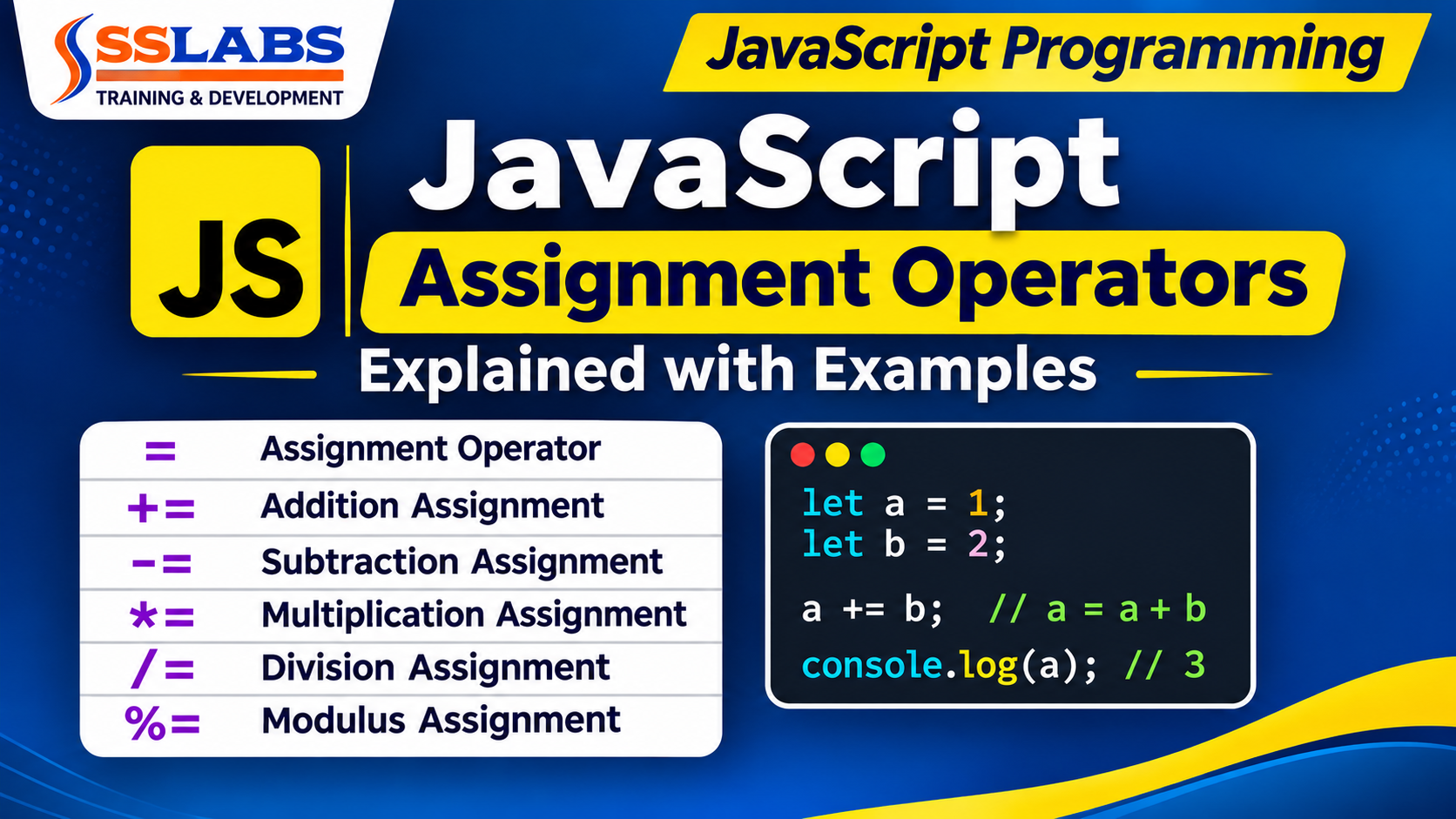
JavaScript Assignment Operators Explained with Examples
JavaScript Assignment Operators are essential for assigning values to variables and performing mathematical calculations in JavaScript programming.
They allow developers to assign values, update existing variables, and perform arithmetic operations using simple operators.
If you are learning JavaScript programming, understanding assignment operators is an important step toward building a strong programming foundation.
In this JavaScript tutorial, we will learn about the assignment operator and arithmetic assignment operators with practical JavaScript code examples and outputs.
What Are Assignment Operators in JavaScript?
Assignment operators are used to assign values to variables in JavaScript.
The assignment operator (=) assigns the value on the right side to the variable on the left side.
Example: Assignment Operator (=)
var a = 1;
var b = 20;

console.log(a);
console.log(b);
Output:
1
20
Explanation:
Here, the variable a stores the value 1, and the variable b stores the value 20.
The assignment operator (=) assigns values to these variables.
What Are Arithmetic Assignment Operators in JavaScript?
Arithmetic Assignment Operators combine arithmetic operations with assignment operations.
Instead of writing a variable name repeatedly, we can use shorthand operators to update its value.
JavaScript provides the following arithmetic assignment operators:
| Operator | Name | Description |
|---|---|---|
+= | Addition Assignment | Adds and assigns a value |
-= | Subtraction Assignment | Subtracts and assigns a value |
*= | Multiplication Assignment | Multiplies and assigns a value |
/= | Division Assignment | Divides and assigns a value |
%= | Modulus Assignment | Calculates the remainder and assigns it |
Let’s understand each operator with practical examples.
1. JavaScript Addition Assignment Operator (+=)
The addition assignment operator (+=) adds a value to an existing variable and assigns the result back to that variable.
It is a shorter way of writing a = a + b.
Example: Addition Assignment Operator
var a = 1;
var b = 2;

console.log(a);
console.log(b);

a = a + b;
// Or
a += b;

console.log(a);
console.log(b);
Output:
1
2
5
2
Note: The example above executes both addition statements, so the value of a becomes 5.
To demonstrate only the shorthand operator, use:
var a = 1;
var b = 2;

a += b;

console.log(a);
Output:
3Explanation:
Here, a += b means a = a + b.
The values 1 and 2 are added, and the result 3 is assigned to variable a.
2. JavaScript Subtraction Assignment Operator (-=)
The subtraction assignment operator (-=) subtracts a value from an existing variable and assigns the result back to that variable.
It is a shorter way of writing a = a - b.
Example: Subtraction Assignment Operator
var a = 10;
var b = 2;

a -= b;

console.log(a);
Output:
8Explanation:
Here, a -= b means a = a - b.
JavaScript subtracts 2 from 10 and assigns the result 8 to variable a.
3. JavaScript Multiplication Assignment Operator (*=)
The multiplication assignment operator (*=) multiplies an existing variable by another value and assigns the result back to the variable.
It is a shorter way of writing a = a * b.
Example: Multiplication Assignment Operator
var a = 10;
var b = 2;

a *= b;

console.log(a);
Output:
20Explanation:
Here, a *= b means a = a * b.
JavaScript multiplies 10 by 2 and assigns the result 20 to variable a.
4. JavaScript Division Assignment Operator (/=)
The division assignment operator (/=) divides an existing variable by another value and assigns the result back to the variable.
It is a shorter way of writing a = a / b.
Example: Division Assignment Operator
var a = 20;
var b = 2;

a /= b;

console.log(a);
Output:
10Explanation:
Here, a /= b means a = a / b.
JavaScript divides 20 by 2 and assigns the result 10 to variable a.
5. JavaScript Modulus Assignment Operator (%=)
The modulus assignment operator (%=) calculates the remainder after division and assigns the result back to the variable.
It is a shorter way of writing a = a % b.
Example: Modulus Assignment Operator
var a = 10;
var b = 3;

a %= b;

console.log(a);
Output:
1Explanation:
Here, a %= b means a = a % b.
When 10 is divided by 3, the remainder is 1. Therefore, JavaScript assigns 1 to variable a.
Difference Between Assignment Operator (=) and Arithmetic Assignment Operators
The assignment operator assigns a value to a variable, whereas arithmetic assignment operators perform mathematical calculations and update the existing variable.
| Operator | Example | Meaning |
|---|---|---|
= | a = 10 | Assigns a value |
+= | a += 5 | Adds and assigns |
-= | a -= 5 | Subtracts and assigns |
*= | a *= 5 | Multiplies and assigns |
/= | a /= 5 | Divides and assigns |
%= | a %= 5 | Calculates remainder and assigns |
Practical Applications of JavaScript Assignment Operators
JavaScript Assignment Operators are useful in many real-world programming situations.
Some common applications include:
Updating shopping cart quantities.
Calculating product prices.
Updating student marks.
Calculating employee salaries.
Managing totals and calculations.
Updating values in web applications.
Frequently Asked Questions (FAQs)
1. What are assignment operators in JavaScript?
Assignment operators are symbols used to assign values to variables in JavaScript. The equal sign (=) is the basic assignment operator.
2. How many arithmetic assignment operators are there in JavaScript?
There are five commonly used arithmetic assignment operators: +=, -=, *=, /=, and %=.
3. What is the difference between = and += in JavaScript?
The = operator assigns a value to a variable, whereas += adds a value to the existing variable and assigns the result back.
4. What does the += operator mean in JavaScript?
The += operator adds a value to an existing variable. For example, a += b is equivalent to a = a + b.
5. What is the use of the -= operator?
The -= operator subtracts a value from an existing variable and stores the result in that variable.
6. What is the difference between *= and /= in JavaScript?
The *= operator performs multiplication and assignment, whereas /= performs division and assignment.
7. What is the use of the %= operator?
The %= operator calculates the remainder after division and assigns the remainder to the existing variable.
Conclusion
JavaScript Assignment Operators are important for writing clean and efficient JavaScript code.
Understanding the assignment operator (=) and arithmetic assignment operators (+=, -=, *=, /=, and %=) helps beginners perform calculations and update variable values easily.
Practice these operators with different values to improve your JavaScript programming skills.
Learn JavaScript Programming at SSLABS
Want to learn JavaScript and become a web developer?
SSLABS offers practical programming training to help students build technical knowledge and develop real-world programming skills.
Our Training Programs:
Learn programming concepts through practical examples and real-time project training.
Join SSLABS, Ameerpet, Hyderabad, and start your journey toward a successful IT career.
Visit our website to explore our training programs and course details.
Add these external links in the relevant paragraphs of the article.
MDN JavaScript Guide – JavaScript learning documentation.
MDN JavaScript Expressions and Operators – Official operator documentation.
training programs.
JavaScript Assignment Operators Video Tutorial
Watch this practical JavaScript tutorial by Trainer Shravan Kumar from SSLABS Training & Development. Learn how to use JavaScript Assignment Operators, including =, +=, -=, *=, /=, and %= with simple coding examples.
Watch the complete video below and practice along with the examples.