
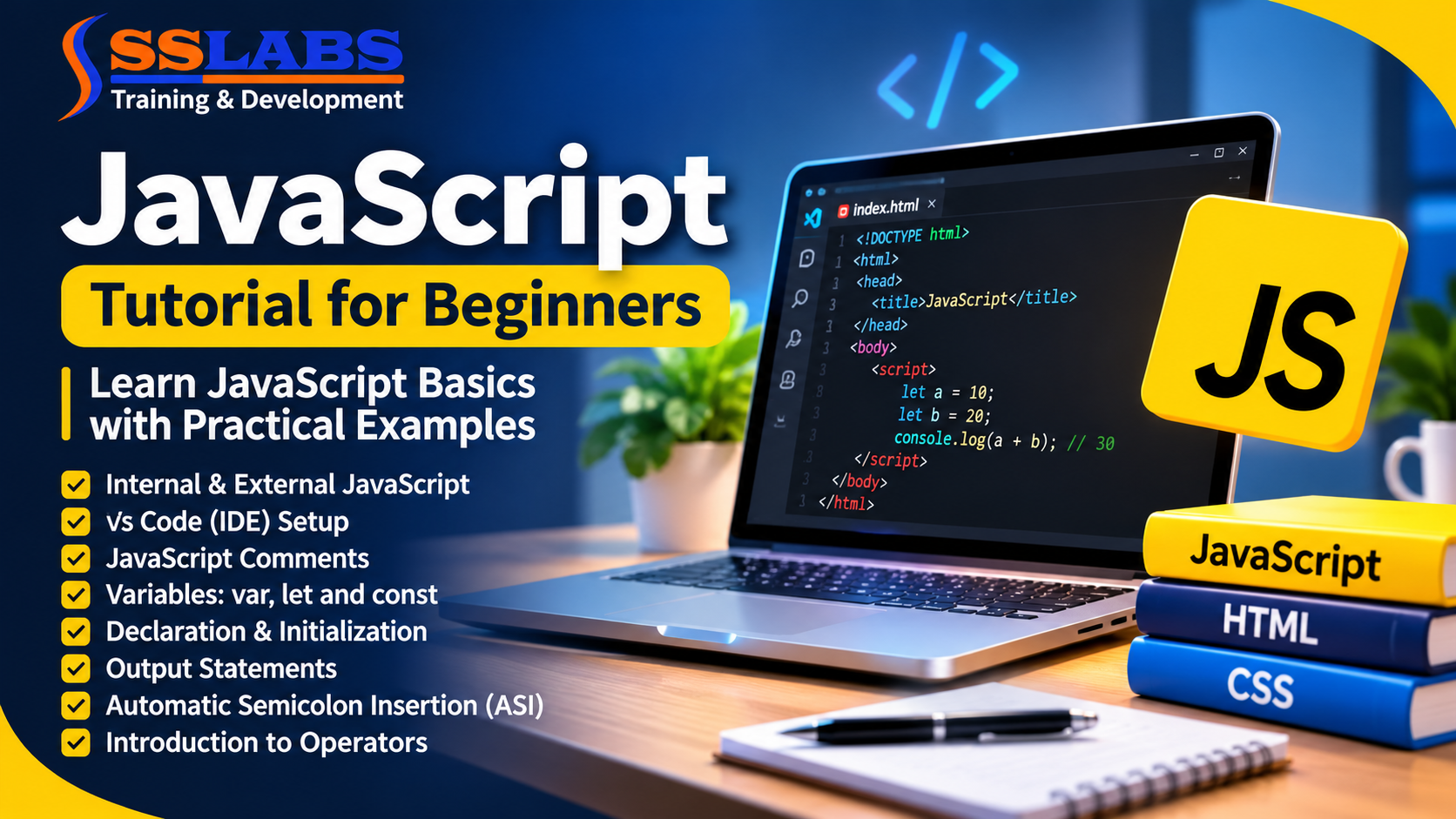
JavaScript Tutorial for Beginners – Learn JavaScript Basics with Examples JavaScript is one of the most popular programming languages used in modern web development. In fact, it helps developers create interactive websites and dynamic web applications. If you are planning to learn JavaScript from scratch, understanding the fundamentals is the first step. In this JavaScript Tutorial for Beginners, we will explore the basic concepts of JavaScript programming with simple explanations and practical examples. First, we will learn how to add JavaScript to HTML. Next, we will understand Visual Studio Code and JavaScript comments. After that, we will explore variables, declaration, initialization, and printing statements. Finally, we will understand Automatic Semicolon Insertion (ASI) and get an introduction to operators. What Is JavaScript? JavaScript is a programming language primarily used to add functionality and interactive behaviour to websites. HTML creates the structure of a webpage, while CSS controls its appearance. JavaScript, on the other hand, adds functionality and makes webpages interactive. For example, developers use JavaScript to display messages, respond to button clicks, validate forms, perform calculations, and update webpage content. Therefore, learning JavaScript is an important step towards becoming a web developer. To understand more about JavaScript, visit the official MDN JavaScript Guide. How to Add JavaScript to HTML There are two common ways to include JavaScript in an HTML document: Internal JavaScript External JavaScript Let’s understand both methods with practical examples. 1. Internal JavaScript JavaScript Tutorial for Beginners helps you learn JavaScript programming from scratch. In this tutorial, you will understand JavaScript basics, variables, comments, and practical coding examples. Additionally, you will learn how to write JavaScript code using HTML and Visual Studio Code. <script> tag. For example, consider the following HTML program: <!DOCTYPE html> <html> <head> <title>Internal JavaScript</title> </head> <body> <h1>Welcome to JavaScript</h1> <script> console.log(“Hello JavaScript”); </script> </body> </html> Explanation: First, we create a basic HTML document. Next, we add the <script> tag inside the body. Then, we write JavaScript code inside the script tag. Finally, console.log() displays the message in the browser console. This method is called Internal JavaScript because we write the JavaScript code directly inside the HTML file. 2. External JavaScript External JavaScript means writing JavaScript code in a separate .js file and connecting it to an HTML document. For this method, we create two files: index.html script.js HTML file – index.html <!DOCTYPE html> <html> <head> <title>External JavaScript</title> </head> <body> <h1>JavaScript Programming</h1> <script src=”script.js”></script> </body> </html> JavaScript file – script.js console.log(“Hello from External JavaScript”); Explanation: First, we create the HTML file. Next, we create a separate JavaScript file named script.js. Then, we use the src attribute inside the script tag to connect the JavaScript file to the HTML document. As a result, the HTML and JavaScript code remain separate. This approach also makes projects easier to organise and maintain. What Is an IDE in JavaScript? IDE stands for Integrated Development Environment. In simple terms, an IDE is a software application that provides tools for writing and working with programming code. For JavaScript development, we can use Visual Studio Code, commonly known as VS Code. It provides a convenient environment for writing and editing code. Therefore, beginners can use VS Code to practise JavaScript programs. Download it from the official Visual Studio Code website. JavaScript Comments Comments are notes written inside source code. JavaScript does not execute commented lines as program instructions. In addition, comments help developers explain their code and make programs easier to understand. JavaScript supports two main types of comments. Single-Line Comments A single-line comment starts with two forward slashes (//). For example: // This is a single-line comment console.log(“Welcome to JavaScript”); Here, the line starting with // is a comment. Therefore, JavaScript does not execute it as a program instruction. Multi-Line Comments A multi-line comment starts with /* and ends with */. For example: /* This is a multi-line comment. We can write multiple lines inside this comment. */ console.log(“Hello Students”); Unlike single-line comments, multi-line comments allow developers to write explanations across multiple lines. JavaScript Variables – var, let and const A variable is a named container used to store a value. The stored value may vary during program execution, depending on how we declare the variable. For example, we can store a student’s name, age, or course name inside a variable. JavaScript provides three keywords to declare variables: var let const Let’s understand each keyword. var Keyword var is an older keyword used to declare variables. However, modern JavaScript developers generally prefer let and const. Example: var name = “SSLABS”; console.log(name); let Keyword We use let when a variable’s value may change during program execution. For example: let age = 25; age = 30; console.log(age); Output: 30 Here, we initially assign 25 to the variable age. Later, we change its value to 30. Therefore, let is useful when we need to reassign a variable. const Keyword We use const when a variable should not be reassigned after initialization. For example: const institute = “SSLABS”; console.log(institute); Output: SSLABS Unlike let, we cannot reassign a new value to a const variable. However, remember that const prevents reassignment of the variable. It does not make objects or arrays stored in it completely immutable. Variable Declaration and Initialization in JavaScript Declaration and initialization are two important concepts in JavaScript programming. Let’s understand the difference with examples. Variable Declaration Declaration means creating a variable using a declaration keyword. let a; Here, we declare a variable named a. However, we have not assigned a value to it yet. Variable Initialization Initialization means assigning an initial value to a variable. a = 10; Now, we assign the value 10 to the variable a. Declaration and Initialization Together We can also declare and initialize a variable in a single statement. For example: let a = 10; console.log(a); Output: 10 In this example, we create the variable and assign its initial value in the same statement. Therefore, understanding declaration and initialization helps beginners write JavaScript programs correctly. JavaScript Printing Statements Printing statements help us display messages and program output. In
JavaScript Introduction: A Beginner’s Guide to Modern Web Development
JavaScript Introduction: A Beginner’s Guide to Modern Web Development Have you ever wondered how websites respond when you click a button, submit a form, or open a menu? JavaScript makes these interactions possible. JavaScript is one of the most popular programming languages in web development. It helps developers create interactive websites, dynamic web applications, mobile apps, and desktop software. If you are new to programming, this guide will help you understand JavaScript, explore its history, learn its important features, and discover exciting career opportunities. What Is JavaScript? JavaScript is a high-level, dynamically typed programming language. Developers originally created it to make websites interactive. Think of a website as a house: HTML provides the structure. CSS adds the design and appearance. JavaScript makes the website interactive. For example, JavaScript can validate registration forms, display messages when users click buttons, update content without refreshing the page, and create interactive menus. Today, developers use JavaScript for much more than websites. They also build frontend applications, backend services, mobile apps, desktop software, and APIs with it. Why Was JavaScript Created? In the early days of the internet, most websites displayed static content. Whenever users performed an action, browsers often sent requests to servers and reloaded entire pages. JavaScript changed this experience. It allowed websites to respond directly to user actions in the browser. As a result, developers could create features such as: Form validation before submission Interactive buttons and menus Dynamic content updates Calculations and animations User-friendly navigation Consequently, websites became faster, more responsive, and easier to use. A Brief History of JavaScript Brendan Eich created JavaScript at Netscape in 1995. He developed its first version in approximately 10 days. Initially, the language went through two names before becoming JavaScript: Mocha → LiveScript → JavaScript Although JavaScript and Java have similar names, they are different programming languages. In 1997, ECMA International standardized JavaScript. The organization named the official specification ECMAScript. In simple terms, ECMAScript defines the standard, while JavaScript is the programming language that follows that standard. What Is ES6? ES6, also known as ECMAScript 2015, introduced major improvements to JavaScript. These features helped develo https://youtu.be/SHrwH-7UNxE?si=KNkJmgJAyM2S_dfc